Understanding the Universal Serial Bus A Beginner's Guide
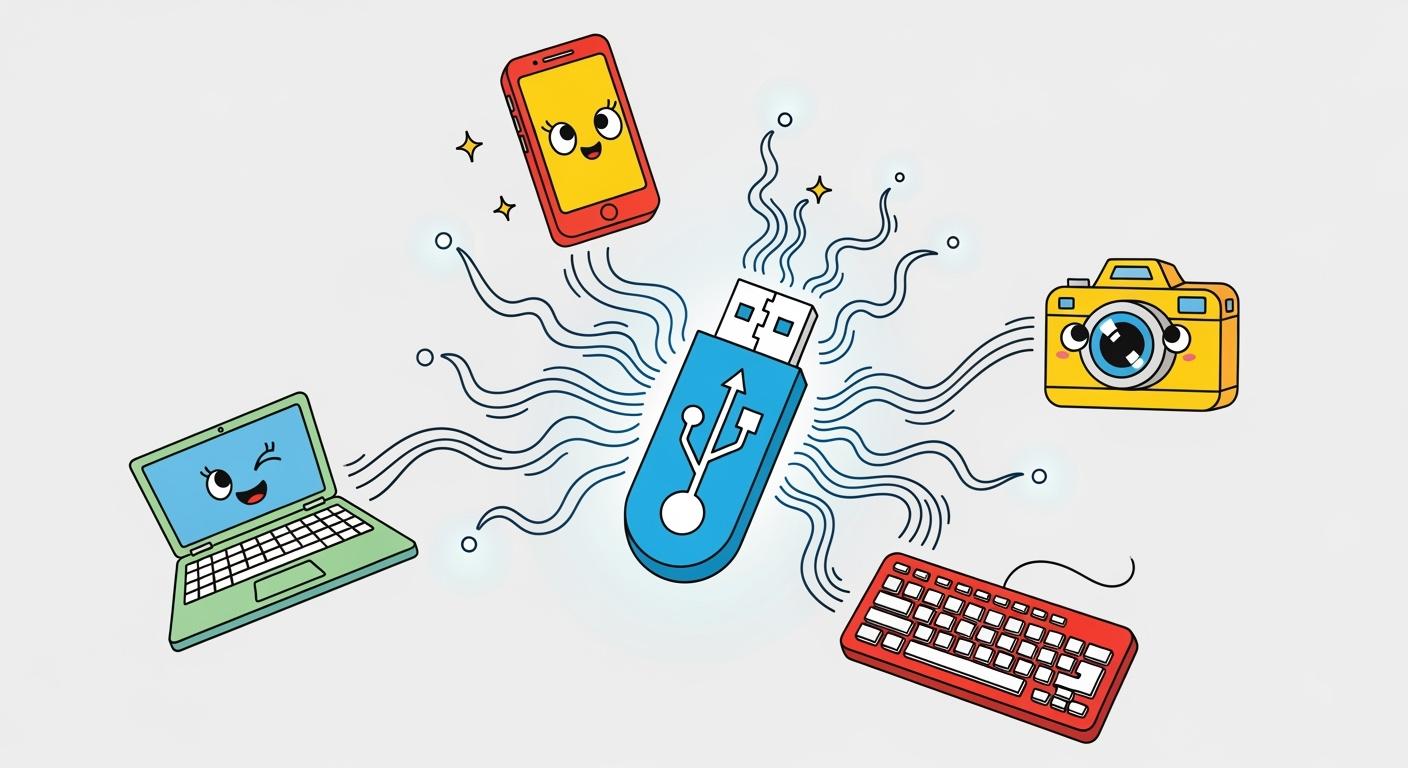
The Universal Serial Bus is an official industry standard. It enables a reliable connection for electronic devices. A single USB connection performs two key functions. It handles data transfer and delivers power for charging. The USB standard simplifies device connection. USB connections are predictable and simple.
Think of a USB cable as a universal key 🔑. This one key fits countless electronic locks.
The Universal Serial Bus ensures a simple and effective connection. USB technology is a cornerstone of modern electronics. USB is a very common standard.
Key Takeaways
USB makes connecting devices simple. It handles data and power with one cable.
USB has improved over time. Newer versions offer faster speeds and more power.
USB Type-C is a modern connector. It is easy to use and works for many devices.
USB devices like hard drives and phones use USB. They benefit from faster USB connections.
What is the Universal Serial Bus (USB)?
The universal serial bus exists to make device connections simple. Before USB, computers had many different and confusing ports for keyboards, mice, and printers. Each device needed its own special cable and connection type. This created a lot of clutter and confusion for users.
The Goal of a Single Standard
A group of technology companies wanted to create one standard to replace all the others. This single connection would work for many different devices. In 1995, seven companies began developing the first USB specification. These pioneers included:
Intel
Microsoft
IBM
Compaq
DEC
NEC
Nortel
Today, a non-profit organization called the USB Implementers Forum, Inc. (USB-IF) manages the USB standard. It ensures that any new USB product works correctly with others.
Data, Power, and Communication
A USB connection serves two primary functions. It handles data transfer and delivers electrical power. The USB standard has evolved significantly over the years, offering major improvements in both speed and power.
The speed of data transfer is measured in bits per second. Newer USB versions can move files much faster than older ones. The performance jump between generations is huge.
USB Version | |
|---|---|
USB 2.0 | 480 Mbps |
USB 3.0 | 5 Gbps |
USB 3.2 Gen 2x2 | 20 Gbps |
USB4 | 40 Gbps |
Besides data, the USB connection also powers and charges devices. The amount of power a USB port can supply has also increased.
USB Version | |
|---|---|
USB 2.0 | 2.5 Watts |
USB 3.0 | 4.5 Watts |
Note: A newer technology called USB Power Delivery (PD) allows for much faster charging. It can deliver up to 240 watts, enough to power demanding devices like laptops.
Every USB system involves a host (the computer) and a device (the peripheral). The host manages the connection, and the USB cable carries both the data and the power between them.
The Core of USB Technology
The success of USB technology rests on a few brilliant concepts. These ideas make USB connections simple and reliable for everyone. Three key features define the core USB experience: plug and play, hot-swapping, and a clear host-device relationship. They work together to create a seamless connection.
A computer automatically recognizes a new USB device. This process is called enumeration. It allows the USB device to "introduce" itself to the computer. The host computer then configures the device without any user input. This plug-and-play system follows a specific sequence:
The host computer detects the new device on the USB hub.
The host reads the device's information to learn its capabilities.
The computer selects the correct software driver for communication.
The host assigns a unique address to the device for the new connection.
Another major feature of USB technology is hot-swapping, also known as hot plugging. This allows users to connect or disconnect USB devices while the computer is running. A system restart is not necessary. This is possible because of a special connector design. USB ports use staggered pins. The ground pins make a connection before the data and power pins. This safety step protects the equipment from electrical damage during hot plugging.
The computer (host) always manages the connection. The connected device (peripheral) follows the host's instructions. This clear structure ensures stable data transfer and power delivery for all USB devices.
This master-slave architecture is fundamental to USB technology. It guarantees that every USB connection is orderly and efficient. It also helps manage the data transfer speed for each device.
A Guide to the Types of USB Connectors
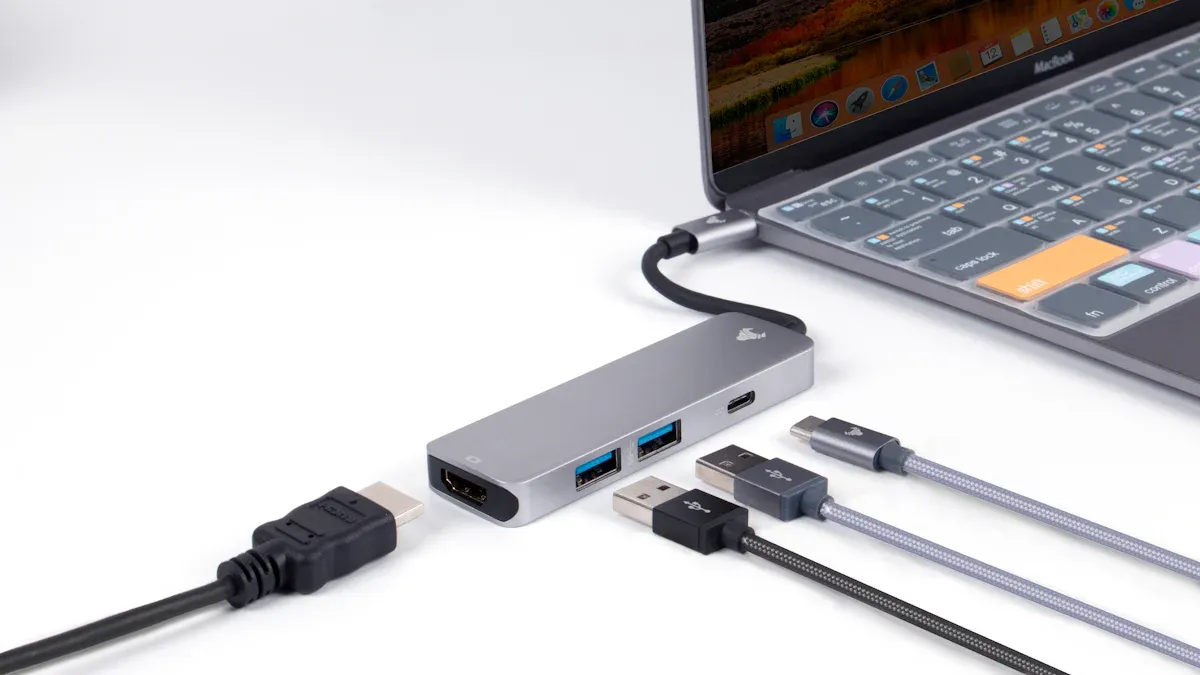
While USB versions determine speed and power, the physical plug on the end of a cable is the connector. Understanding the different types of USB connectors is essential for connecting your devices correctly. The shape of the connector determines which port it fits into. Over the years, several usb connector types have been developed to meet changing needs. Let's explore the most common types of USB connectors you will encounter.
USB Type-A
The USB Type-A connector is likely the most recognizable of all the types of USB connectors. It has a flat, rectangular shape. This connector has been a part of the usb standard since its first major release with USB 1.0 in 1996. The host device, like a computer or a power adapter, almost always contains the Type-A port (the female receptacle). The peripheral device's usb cable typically has the Type-A plug (the male connector).
This design is not reversible. Users must align it correctly to plug it in. Despite its age, the Type-A port remains incredibly common on a wide range of electronics.
Computers: Desktops and laptops still feature multiple Type-A ports.
Gaming Consoles: Devices from PlayStation and Xbox use them for controllers and accessories.
Home Audio/Video: Smart televisions, receivers, and streaming players often include a Type-A usb port.
Peripherals: Keyboards, mice, and flash drives overwhelmingly use the Type-A connector.
While the external shape of the Type-A connector has not changed, its internal wiring has. This allows newer versions of usb to offer much faster speeds through the same physical port.
Aspect | USB 2.0 Type-A | USB 3.0 Type-A |
|---|---|---|
Pins | 4 pins | 9 pins (adds 5 for faster speeds) |
Pin 1 | VCC (+5V power) | VCC (+5V power) |
Pin 2 | D- (Data -) | D- (USB 2.0 Data -) |
Pin 3 | D+ (Data +) | D+ (USB 2.0 Data +) |
Pin 4 | GND (Ground) | GND (Ground) |
Micro-USB
The Micro-USB connector appeared in the early 2000s to solve a growing problem. As devices like digital cameras and early smartphones became smaller, the bulky Type-A port was no longer practical. The Micro-USB offered a much smaller, five-pin connector design. Its primary purpose was to provide data transfer and charging for these new, space-constrained gadgets.
Like Type-A, the Micro-USB connector is not reversible and can cause frustration when plugging it in. Its design is also less durable compared to modern connectors. However, it was built to last for at least 10,000 insertions. Many budget-friendly or slightly older devices still rely on this port for power.
Feature | Micro-USB | USB Type-C |
|---|---|---|
Durability | Pins can bend or loosen over time. | Sturdier design built for frequent use. |
Orientation | Single orientation requires correct alignment. | Symmetrical design is fully reversible. |
You can still find the Micro-USB port on many common accessories:
Power banks (portable chargers)
Bluetooth speakers and budget wireless earbuds
Digital cameras
Older gaming controllers
USB Type-C
The USB Type-C connector is the modern standard for all types of USB connectors. It features a small, symmetrical oval shape. Its most celebrated feature is its reversible design. You can plug it in right-side up or upside down, eliminating the guesswork of older usb connectors. This innovation makes connections easier and reduces wear and tear on the port.
The usb type-c connector is far more than just a convenient shape. It is a powerhouse of versatility that consolidates data, power, and video into a single connection.
The Power of USB Type-C 🚀
Reversible Design: Plugs in easily without worrying about orientation.
High-Speed Data: Supports the fastest usb speeds, including USB4 at 40 Gbps.
Power Delivery (PD): Delivers enough power to charge large devices like laptops.
Alternate Modes: Can transmit video signals like DisplayPort and HDMI.
The USB Power Delivery (PD) 3.1 specification allows a usb type-c connection to deliver up to 240 watts of power. This Extended Power Range (EPR) is enough to power and charge even demanding gaming laptops and large monitors, removing the need for a separate power brick.
Furthermore, its "Alternate Modes" feature allows the port to carry non-USB signals. The most common alternate modes are DisplayPort and Thunderbolt. This means a single USB Type-C port can connect your laptop to an 8K monitor, transfer files from a hard drive, and charge the laptop all at the same time. This capability is helping to make USB Type-C the one universal port for all modern electronics.
Exploring Popular USB Devices
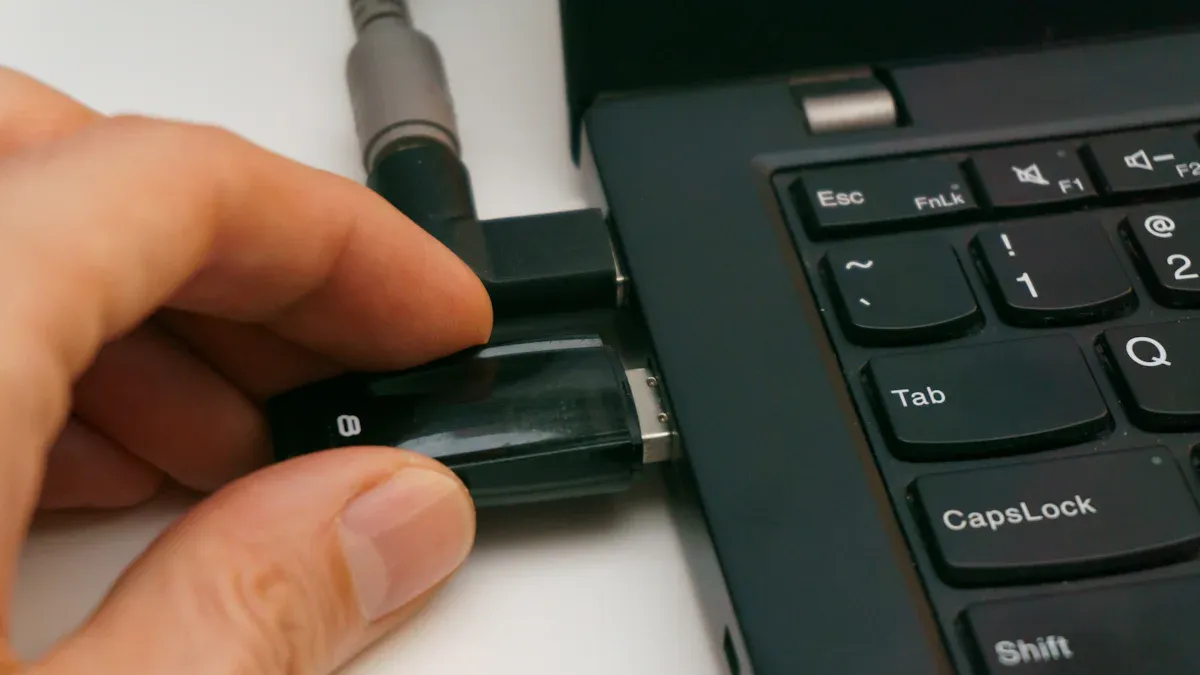
The USB standard connects a vast world of electronics. Many popular usb devices rely on this technology for power and data. Understanding how these gadgets use usb helps people make better choices. These popular usb devices range from simple storage to complex communication tools.
External Hard Drives and Flash Drives
Portable storage is one of the most common uses for usb. Flash drives and external hard drives allow people to move large files between computers. Flash drive capacities have grown immensely.
Common sizes now range from 8 GB to 256 GB.
Kingston Technology even released a 2 TB flash drive in 2017.
External drives connect using a usb port. An external Solid-State Drive (SSD) is much faster than a traditional Hard Disk Drive (HDD). An SSD connected to a USB 3.0 port can read small files around 25-50 MB/s. An HDD only manages about 1 MB/s for the same files. A USB-C port offers the best performance for these usb devices. It provides faster data speeds and more power.
Smartphones and Tablets
Smartphones and tablets depend on usb connections for charging. The type of port on the device makes a big difference in charging speed. A USB-C port charges modern phones much faster than an older USB-A port. Most new tablets now use a USB-C port, as the industry has moved away from Micro-USB.
Phone Model | Max Charge USB-A (W) | Max Charge USB-C (W) |
|---|---|---|
12 | 27 | |
Google Pixel 9 | 12 | 37 |
Samsung S25 | 12 | 45 |
Keyboards, Mice, and Webcams
Keyboards, mice, and webcams are essential computer peripherals. A wired usb keyboard or mouse offers key advantages over wireless versions. They do not need batteries and have very low input lag. This makes them reliable for gaming or design work. High-resolution webcams also need a fast usb connection. A 4K webcam requires a data speed of 20-50 Mbps for smooth streaming, which a modern usb port can easily provide. Other specialized usb devices like printers and scanners also use this reliable connection.
The universal serial bus remains the top standard for device connection. Its simple design makes usb connections easy. People can now understand the key difference between usb versions and connector types. The usb versions determine usb transfer speeds, while the connector shape defines the physical connection. With over 85% of new smartphones using a usb port, the usb standard continues to evolve. This knowledge helps everyone choose the correct usb cable for any usb device. A person now has the confidence to manage every usb connection.
FAQ
What is the difference between a usb version and a usb connector?
A usb version, like USB 3.0, determines the data transfer speed. The usb connector is the physical shape of the plug. A person must match the connector shape to the port. The version affects the performance of the usb connection.
Can a user plug a new usb device into an old usb port?
Yes, the usb standard is backward compatible. A new usb device connects to an older port. The connection simply runs at the older port's slower speed. This feature makes usb very convenient for users.
Why is USB Type-C becoming so popular?
The USB Type-C connector is reversible and easy to use. This single usb connection handles fast data, high power, and video signals. Its versatility makes it the top choice for modern electronics. The usb port is small and durable.
Does every usb cable charge at the same speed?
No, charging speeds differ. The cable, the power adapter, and the device's port all affect charging performance. A technology called USB Power Delivery allows for much faster charging through a compatible connection.