Is IEEE 1394 FireWire Still Relevant in a USB and Thunderbolt World
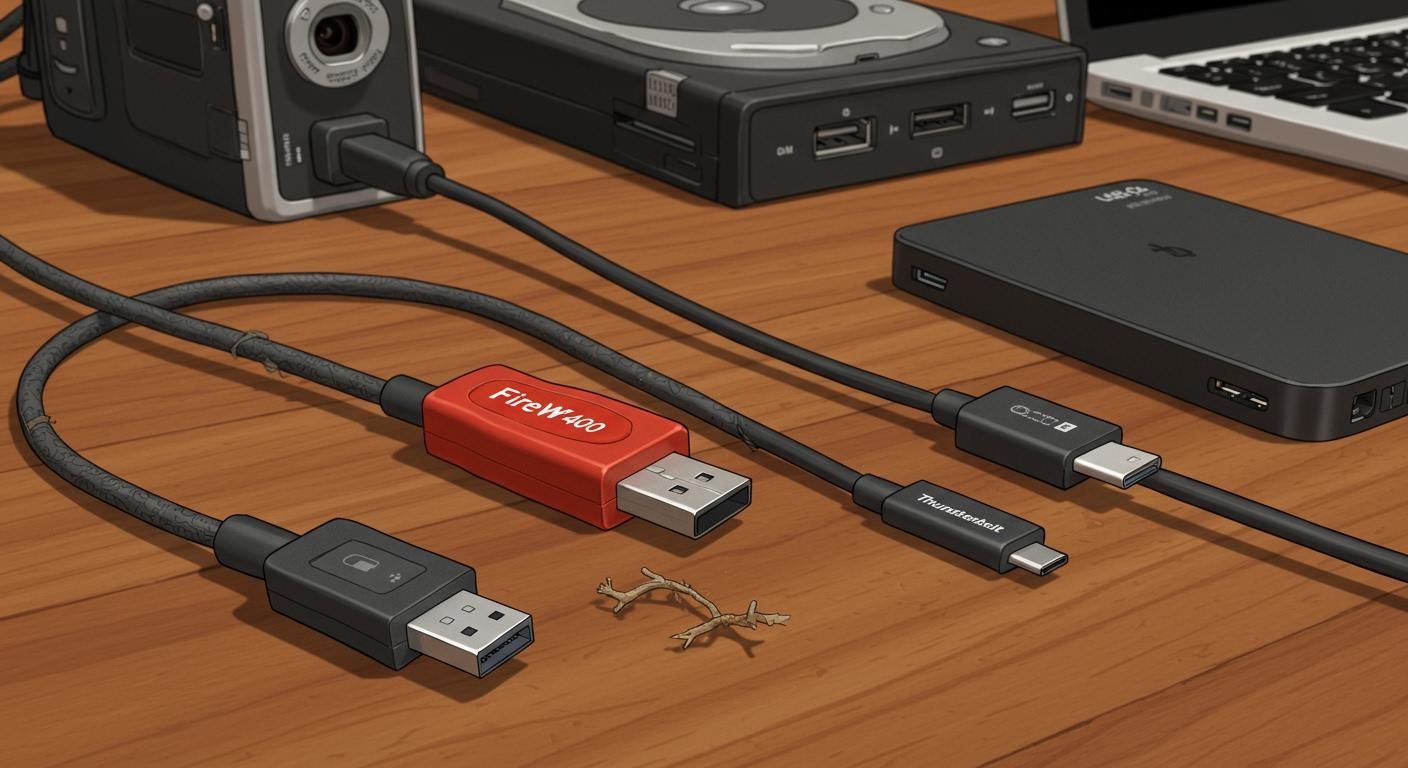
For new purchases, you will find the IEEE 1394 FireWire standard is no longer relevant. Modern USB and Thunderbolt connections have completely replaced FireWire.
The Modern Standard 🔌 Today, USB dominates the market, offering excellent performance and wide compatibility. Thunderbolt provides the absolute best performance for professionals. The old FireWire advantage is gone, as even high-end USB interfaces now match its stability.
You should only consider FireWire to support old equipment. For any new setup, your choice is between the universal USB standard and the high-speed Thunderbolt connection.
Key Takeaways
- FireWire is an old technology. It is not relevant for new purchases.
- Modern USB and Thunderbolt connections are better. They offer faster speeds and more reliable performance.
- You should only use FireWire for old equipment you already own. Do not buy new FireWire devices.
- Connecting FireWire to new computers is difficult. It needs many adapters and causes problems.
- New computers and software will stop supporting FireWire. This makes it a risky choice.
THE RISE AND FALL OF IEEE 1394

To understand why FireWire is a legacy technology, you need to look at its history. For a time, the IEEE 1394 standard was a high-performance champion, especially in creative fields. Its design offered unique advantages that other connections could not match.
FIREWIRE'S HISTORICAL ADVANTAGES
FireWire's biggest strength was its intelligent architecture. It used a peer-to-peer system, which meant connected devices could communicate directly with each other. You did not need a host computer to manage the data transfer. For example, a digital camera could send video straight to an external drive. This process freed up your computer's processor and ensured a smooth, uninterrupted data transmission.
This design gave FireWire excellent sustained data transfer rates, which was crucial for video and audio work.
A Note on Speed 🚀 The IEEE 1394 standard provided consistent bandwidth for real-time data. This stability, more than just raw speed, is why professionals preferred FireWire connections for demanding tasks. The connection delivered a steady stream of data without the interruptions common with early USB.
THE INDUSTRY SHIFT TO USB AND THUNDERBOLT
So, what happened to FireWire? Its decline was a story of cost and convenience. The USB standard became incredibly popular because it was cheaper to implement. Soon, nearly every computer and peripheral included a USB port. This widespread adoption made USB the easy choice for most users.
Major companies also shifted their focus. Apple, once a huge supporter of FireWire, eventually dropped the connection in favor of USB and the much faster Thunderbolt standard. Thunderbolt offered far greater bandwidth and performance. This industry shift left FireWire with no path forward. The combination of low-cost USB for the masses and high-performance Thunderbolt for professionals made the old FireWire standard obsolete for new devices.
REAL-WORLD PERFORMANCE COMPARISON
Numbers on a spec sheet do not always tell the whole story. You need to understand how these connections perform in the real world. This real-world performance comparison shows why FireWire can no longer compete.
BANDWIDTH: THUNDERBOLT VS. USB VS. FIREWIRE
In the past, FireWire 400 often performed better than USB 2.0. USB 2.0 had a higher theoretical speed, but FireWire's intelligent design allowed for a more consistent data transfer. This made it the winner for demanding tasks. Modern connections changed this story completely. The bandwidth of today's USB and Thunderbolt standards dwarfs what the IEEE 1394 standard could ever offer.
You can see the massive difference in raw data transfer speed below:
This huge increase in bandwidth directly impacts what you can do. For audio professionals, more bandwidth means more channels of high-resolution audio. A FireWire connection struggles with high channel counts, while modern connections handle them easily. Thunderbolt connections, in particular, excel at high-bandwidth tasks.
| Audio Interface Connection | Typical High-Resolution Audio Channels |
|---|---|
| FireWire | 16-24 |
| Thunderbolt | 32-64+ |
A Thunderbolt audio device can record over 64 simultaneous channels at 24-bit/192kHz. FireWire was limited to lower channel counts at a maximum of 24-bit/96kHz. For any task requiring large amounts of data, the old FireWire standard is simply outmatched.
LATENCY IN MODERN USB AUDIO INTERFACES
FireWire's other major advantage was its excellent latency performance and stability. Early USB connections often had issues with delays and dropouts, making FireWire the only reliable choice for serious recording. That advantage is now gone. The stability and reliability of modern USB have improved dramatically.
This improvement comes from better hardware and, most importantly, better software drivers.
Pro Tip: The Power of Drivers 💡 Your audio interface's latency performance depends heavily on its drivers. You get better performance when you use official drivers from the manufacturer. For Windows, installing a special ASIO driver is essential to bypass operating system delays and achieve the lowest possible latency.
Top manufacturers now produce high-end USB audio interfaces with incredible latency performance. Companies like RME, Focusrite, and MOTU create USB-C audio interfaces that rival the stability once exclusive to FireWire. The RME Babyface Pro FS and Focusrite Scarlett 2i2 4th Gen are famous for their low-latency performance. This proves that a modern USB connection is more than capable for professional work.
While USB is excellent, Thunderbolt offers the absolute best performance. It acts like a direct extension of your computer's internal hardware.
- Best USB Interfaces: You can expect round-trip latency around ~4ms.
- Best Thunderbolt Interfaces: You can achieve round-trip latency under 1ms.
For most users, the latency performance of a quality USB interface is fantastic. For professionals who need the absolute fastest connection possible, Thunderbolt is the clear winner.
CONNECTIVITY AND FUTURE-PROOFING
Beyond raw speed, you must consider the practical challenges of using old technology. A device is useless if you cannot connect it to your computer or if your operating system no longer supports it. This is where the case for FireWire completely falls apart.
THE ADAPTER AND DONGLE PROBLEM
You cannot plug a FireWire device directly into a modern computer. You will need a long and unreliable chain of adapters. To connect an older FireWire 400 device to a new computer with a USB Type-C style Thunderbolt port, you need a specific sequence:
- A FireWire 400 to FireWire 800 adapter.
- A FireWire 800 to Thunderbolt 2 adapter.
- A Thunderbolt 2 to Thunderbolt 3/4 adapter.
Warning: A Chain of Failure ⚠️ This complex connection is expensive and prone to problems. Each adapter is a potential point of failure that can hurt performance and stability. The limited bandwidth of the FireWire standard is a bottleneck in this chain.
Users report serious issues with this setup. Some find their Thunderbolt monitors randomly go black. Others discover their FireWire audio mixers fail to send any data to the computer. This happens because there is no guarantee of backwards compatibility, especially between a Thunderbolt 4 computer and a Thunderbolt 2 adapter. The simple, reliable connection of USB is a much better option. This complex adapter chain reduces the available bandwidth for data transfer.
DWINDLING DRIVER AND OS SUPPORT
Even if you solve the physical connection, your modern operating system may not recognize your FireWire device. Software support for this old standard is disappearing.
Apple is officially ending support. macOS 15 Sequoia is the last version that will work with FireWire devices. The next version, macOS 16 Tahoe, will remove support completely. This means you cannot use FireWire hardware on future Macs.
The situation on Windows is also uncertain. While Windows 11 may have some basic FireWire compatibility, major hardware makers are moving on. PreSonus, a popular audio brand, no longer develops drivers for its FireWire products. They cite changes in the operating system that prevent their devices from working as designed. Without official drivers, you lose performance and stability. The limited bandwidth of the FireWire connection is another reason manufacturers have embraced the superior bandwidth of USB and Thunderbolt. This lack of support makes any FireWire purchase a risky investment with no future. The limited bandwidth simply can't compete with the high bandwidth of a modern USB connection.
THE ONLY REMAINING USE CASE FOR FIREWIRE
You should avoid FireWire for any new purchase. However, there is one very specific situation where using it still makes sense. This single use case is about maintaining equipment you already own, not buying something new.
MAINTAINING A LEGACY STUDIO
The only logical reason to use FireWire is if you have an existing, expensive setup that relies on it. Imagine you own a professional recording studio. Your setup might include a high-quality FireWire audio interface that still works perfectly. In this case, replacing your entire system with new usb or Thunderbolt gear would be very costly.
You should only continue using FireWire connections if you meet these conditions:
- You already own the FireWire hardware.
- The hardware is essential to your workflow.
- The equipment still delivers the performance you need.
- You accept the risks of using an outdated standard.
This is a strategy of preservation. You are keeping a functional system running to maximize your original investment. You are not choosing the FireWire standard for its features, but because it is what you already have.
RISKS OF RELYING ON OLD TECH
Even if you have a legacy studio, you must understand the significant risks. Relying on old technology is a gamble. Your workflow could stop without warning.
System Failure Imminent 🛑 Your biggest risk is sudden failure. A hardware problem or a simple operating system update can make your FireWire gear useless overnight. You will have no support from manufacturers to fix it.
You face several other serious problems. Hardware failure is a major concern, as finding replacement FireWire parts is nearly impossible. Software compatibility is another ticking clock. Future operating systems will not support this old technology, leaving your gear behind. This lack of future compatibility makes any investment in FireWire unwise.
Finally, your system's performance is capped. The old FireWire standard cannot handle the large amounts of data required by modern projects. You cannot expand your studio with faster usb or Thunderbolt devices without creating a bottleneck. For these reasons, you should plan to migrate to a modern usb or Thunderbolt system as soon as possible.
The bottom line is simple: the FireWire standard is obsolete. When making your decision, you should avoid any new FireWire purchase. A modern USB connection offers the best balance of performance and compatibility. The USB standard provides excellent bandwidth for most data transfer needs. A USB device is a smart choice.
Connection Type by Use Case 🔌
- Everyday Use: A USB connection is your best choice. USB offers great bandwidth.
- Pro Use: Choose Thunderbolt for maximum speed. Thunderbolt is a high-bandwidth connection with superior bandwidth.
FAQ
Is a FireWire to USB adapter a good idea?
You should avoid these adapters. They often create compatibility problems and limit performance. A native usb connection provides much better stability. The old firewire standard simply cannot keep up with a modern usb device.
Which is better for a new audio interface, USB or Thunderbolt?
Your Best Choice 🎧
- Most Users: A usb interface offers fantastic performance for almost everyone.
- Professionals: You should choose a thunderbolt interface if you need the absolute best performance for high-channel recording.
Can I use FireWire on a new Mac or Windows PC?
You will face major compatibility issues. Future operating systems are dropping support for the firewire standard. You should choose a modern usb device for guaranteed compatibility and superior performance. A usb connection is the safe and smart choice.
Why was FireWire once better than USB?
FireWire had a better design for stable data transfer. However, modern usb technology has completely caught up. High-quality usb interfaces now offer excellent, low-latency performance. This makes the old advantage irrelevant. A good usb connection is very reliable today.