How to Check and Restore CR927 Battery Connections
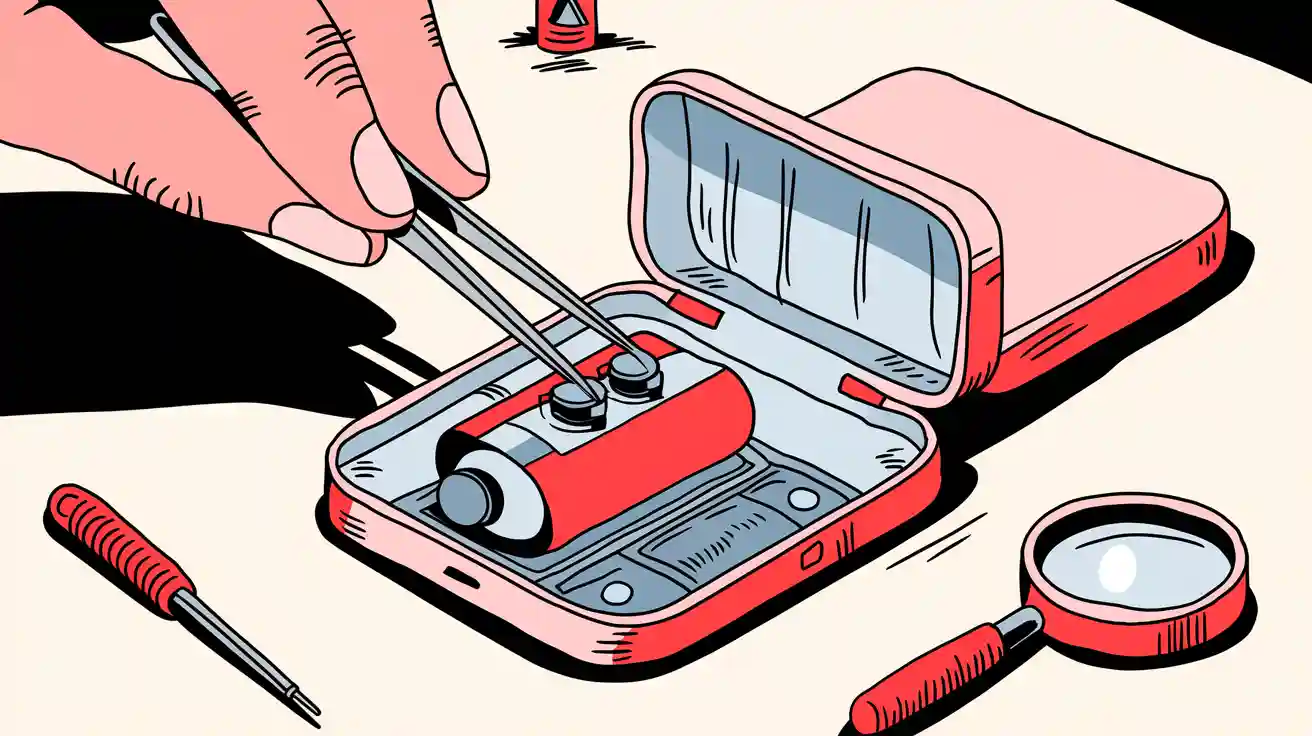
You can check your CR927 battery connection by opening the battery compartment and looking at how the battery sits. Using the wrong battery type can cause problems for your devices and safety. Take a look at this quick comparison:
| Battery Type | Voltage | Chemistry | Risks and Device Damages |
|---|---|---|---|
| CR927 | 3.0V | Lithium | Over-voltage issues leading to damage in sensitive circuits |
| LR927 | 1.5V | Alkaline | Insufficient power delivery, malfunctioning displays |
| SR927 | 1.55V | Silver Oxide | Inconsistent performance in voltage-sensitive devices |
If you use LR927 or SR927, you may notice malfunctioning displays, lost timekeeping accuracy, or even wrong readings in medical devices. Most connection issues with your CR927 battery only need simple checks and basic tools. You don’t have to worry—just follow a few steps and you’ll keep your battery working safely.
Key Takeaways
- Always use the correct CR927 battery to avoid device damage and ensure proper performance.
- Regularly check and clean battery contacts to maintain a strong power connection and prevent issues.
- Test battery voltage with a multimeter; replace the battery if it drops below 2.0 volts.
- Store CR927 batteries in a cool, dry place to extend their lifespan and maintain performance.
- Handle batteries carefully; avoid short-circuiting, overcharging, or exposing them to extreme conditions.
CR927 Battery Troubleshooting
Common Device Issues
You might notice your small electronic devices acting strange when the cr927 battery connection fails. Sometimes, your watch stops ticking or your remote control does not respond. Other times, the screen flickers or the device shuts off without warning. These problems often point to battery safety issues or poor compatibility.
Here are some common symptoms you should watch for:
- Device does not turn on or loses power quickly.
- Display fades, blinks, or shows errors.
- Buttons or controls stop working.
- Timekeeping or memory resets unexpectedly.
Tip: Always use the correct cr927 battery for your devices. Using the wrong type can cause over-voltage and damage sensitive circuits. This can lead to battery safety problems and poor performance.
Quick Checks
You can fix many cr927 battery problems with a few simple steps. Start by checking the battery compartment. Make sure the cr927 sits snugly in its slot. Look for any dirt or corrosion on the contacts. Clean them gently if needed.
Next, check the battery’s age. Old batteries lose charge and may not work well. High drain current from your device can also cause the battery to run out faster. If your device needs more power than the cr927 can give, you might see quick drops in performance.
Temperature matters too. If you use your device in hot places, the battery can lose charge faster. Cold weather can make the battery seem weak, but it may recover when it warms up.
If you still have trouble, try a replacement cr927 battery. This helps you see if the problem is with the battery or the device itself. Always check compatibility before you swap batteries to keep your device safe.
Note: Regular battery safety checks help you avoid sudden failures and keep your devices running smoothly.
Check CR927 Battery
Access Battery Compartment
You want to start by finding the battery compartment on your device. Most small electronic devices have a cover you can open with a small screwdriver or even a coin. Before you open it, make sure your hands are dry. You should also work in a clean, dry area to avoid moisture getting inside.
Safety Tips:
- Do not overcharge or overdischarge the battery.
- Keep the battery away from extreme heat or cold.
- Avoid dropping or shaking the device.
- Make sure the battery stays dry.
- Store extra batteries in a cool, ventilated place, away from sunlight.
When you open the compartment, set the cover and screws aside so you do not lose them. Take a quick look inside. If you see any signs of moisture or corrosion, clean it up before you continue.
Verify Polarity
Next, check how the cr927 battery sits in the compartment. You will see a plus (+) and minus (–) sign either on the battery or inside the device. The flat side of the cr927 usually shows the plus sign. Make sure the battery matches the markings in your device. If you put the battery in the wrong way, your device will not work and you could damage the circuits.
Some devices have a small diagram showing the correct orientation. If you do not see one, look for the plus and minus signs on the battery itself. Always double-check before you close the compartment.
Inspect Contacts
Now, look at the metal contacts that touch the cr927 battery. These contacts help deliver power from the battery to your device. If you see dirt, dust, or greenish corrosion, clean the contacts gently. You can use a cotton swab or a soft cloth. If the contacts look bent or loose, try to straighten them so they press firmly against the battery.
Tip: Clean contacts help improve battery performance and keep your device running smoothly.
If the contacts look damaged, you may need to get them repaired. Good contact is important for both safety and performance.
Test Battery Voltage
You can test the cr927 battery with a multimeter. Set the meter to measure DC voltage. Touch the red probe to the plus side and the black probe to the minus side of the battery. A fully charged cr927 battery should show about 3.0 volts. When you test under load, the voltage might drop a little, but it should stay close to 3.0 volts. If the voltage drops below 2.0 volts, the battery is weak and needs replacement.
- Standard voltage: 3.0 volts (fully charged)
- Cutoff voltage: 2.0 volts (replace the battery if it drops below this)
If you do not have a tester, try a known working cr927 battery in your device. If the device works with the new battery, you know the old one was the problem. This quick swap helps you check compatibility and avoid guessing.
Note: Always use a fresh cr927 battery for best battery performance. If you need a replacement, choose the same type to keep your device safe.
Checking your cr927 battery this way helps you spot problems early. You can avoid device failures and keep your small electronic devices working their best. Regular checks also help you catch issues with compatibility and battery replacement before they cause bigger problems.
Restore CR927 Battery Connection
Clean Contacts
You want your cr927 battery to work at its best. Dirty contacts can block the flow of power. Grab a cotton swab or a soft cloth. Dip it in a little rubbing alcohol. Gently rub the metal contacts inside the compartment. Remove any dust, dirt, or green corrosion. If you see stubborn spots, keep cleaning until the metal shines. Clean contacts help your devices run smoothly and prevent battery safety issues.
Tip: Never use water to clean the contacts. Water can cause rust and damage your small electronic devices.
Re-seat or Replace Battery
After cleaning, place the cr927 back into its slot. Make sure the flat side matches the plus sign in your device. Press the battery down so it sits snugly. If your device still does not work, try a replacement cr927 battery. Sometimes, old batteries lose their charge and cannot power your devices. Swapping in a fresh battery helps you check compatibility and performance.
If you notice the battery does not fit well, check for bent contacts or debris. Fix these problems before you close the compartment. A secure battery fit keeps your device safe and working.
Secure Fit
You want the cr927 to stay in place. A loose battery can cause your device to shut off or lose power. Here are some ways to make sure your battery fits securely:
- Use heat shrink tubing. This method gives a tight grip between the battery and wire leads. Heat the tubing gently so it shrinks and holds the battery in place.
- Try conductive glue or epoxy. These can hold the battery, but you should check the chemical makeup for safety.
- Avoid soldering directly to the battery terminals. Soldering can damage the cr927 with too much heat.
A secure fit helps prevent battery safety problems and keeps your small electronic devices running without interruptions.
Retest Device
Close the battery compartment. Turn on your device. Check if it works as expected. Look for a steady display, working buttons, and normal operation. If your device powers up and runs smoothly, you have restored the cr927 battery connection. If you still see problems, repeat the steps or try another replacement battery.
Note: Regular checks and careful handling help you avoid battery safety issues and keep your devices performing well.
You can fix most battery connection problems with these simple steps. Clean contacts, a snug fit, and a fresh cr927 battery make a big difference in device performance and safety.
CR927 Battery Care Tips
Maintenance
You want your cr927 battery to last as long as possible. Regular maintenance helps you keep your devices running and improves safety. Start by cleaning the battery contacts every few months. Use a cotton swab with a tiny bit of rubbing alcohol. This removes dust and keeps the power connection strong. Never let dirt build up, because it can block the flow of electricity and hurt performance.
Check the battery for signs of wear. If you see swelling or leaks, replace it right away. Avoid overcharging your battery. Unplug the charger once the battery is full. This simple habit protects the battery chemistry and helps it last longer.
Tip: The average lifespan of a cr927 battery is about 4 to 7 years if you store it properly. Some high-quality batteries can last up to 10 years.
Storage
Storing your cr927 battery the right way makes a big difference. You should keep batteries in a cool, dry place. The best temperature is around 68°F (20°C). This helps prevent self-discharge and keeps the battery ready for use. Store lithium batteries with a charge of about 40%. If you want the battery to last even longer, aim for a state of charge close to 3.7V.
- Keep batteries away from sunlight.
- Avoid humid areas.
- Store batteries in their original packaging or a plastic case.
Note: Proper storage helps you avoid losing battery capacity and keeps your devices ready for action.
Handling
Handling cr927 batteries with care protects both you and your devices. Never short-circuit, recharge, or heat the battery. Do not try to take it apart or throw it in a fire. Always make sure the anode and cathode are in the right position. If you need to secure the battery, avoid soldering directly to the terminals. This can damage the battery and lower performance.
- Do not force-discharge the battery.
- Handle with dry hands.
- Keep batteries away from metal objects.
Safety Reminder: Careful handling keeps your cr927 battery working safely and helps your devices perform their best.
You can keep your devices running smoothly by following a few easy steps. Check the cr927 battery compartment, clean the contacts, and make sure the battery fits snugly. Always use the correct cr927 to protect your devices and improve safety. Using the wrong battery can cause device failure or even damage. Regular maintenance and quick troubleshooting help you avoid problems and keep your devices working their best.
Remember, a little care goes a long way with battery safety!
FAQ
Can I use LR927 or SR927 instead of CR927?
No, you should not swap them. CR927 gives your device the right voltage. LR927 and SR927 can cause weak performance or damage. Always check your device’s battery type before you buy a replacement.
How do I know if my CR927 battery is dead?
You can test it with a multimeter. If the voltage drops below 2.0V, the battery is weak. Devices may also stop working, show errors, or lose power quickly.
What should I do if my device still does not work after replacing the battery?
Check the battery contacts for dirt or corrosion. Clean them with a cotton swab and rubbing alcohol. Make sure the battery fits snugly. If problems continue, your device may need repair.
Is it safe to recharge a CR927 battery?
No, you cannot recharge CR927 batteries. They are single-use lithium cells. Trying to recharge them can cause leaks or even explosions. Always use a fresh battery when needed.